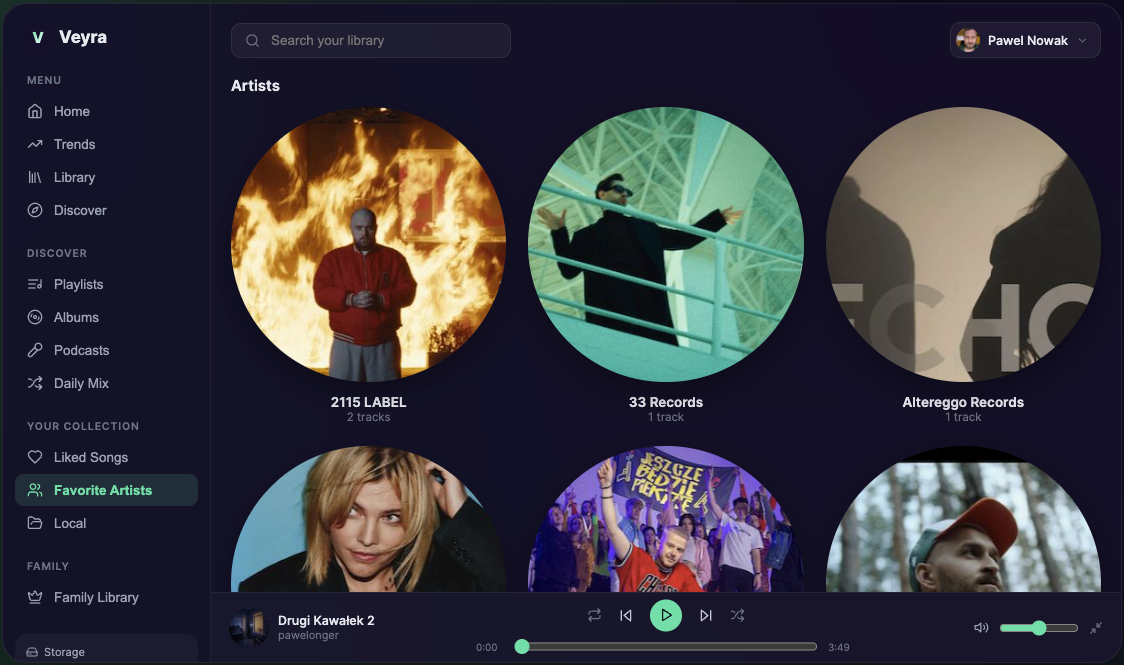
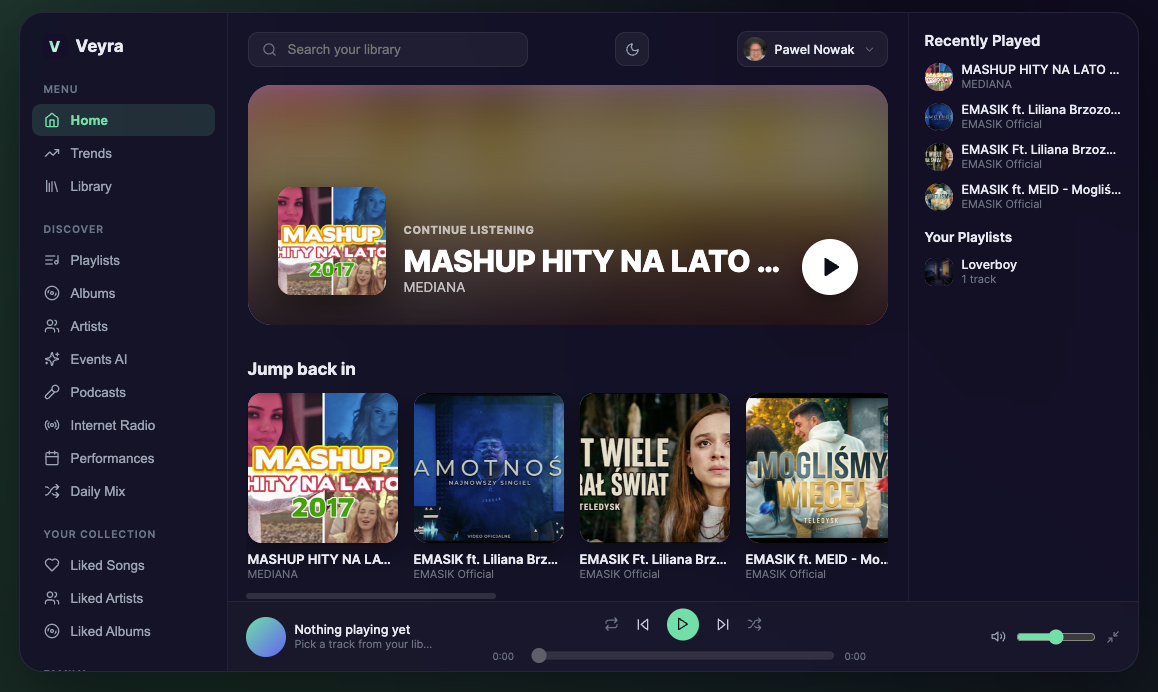
The music you own, on every screen.

Upload your collection once. Play it on your phone, Mac and PC, and share it with up to six people at home.

One library. Every screen.

Sign in with the same account everywhere. Your albums, playlists and likes follow you.

  • iPhone & iPad

    Coming very soon
    The native Veyra app, with CarPlay, lock-screen controls and offline listening.
  • Android

    Coming soon
    The native app for phones and tablets, with Android Auto.
  • Mac

    Available
    A desktop app for Macs with an Apple chip (M1 or newer). Media keys work.
    First time opening it?

    Drag Veyra to Applications. On the first launch, right-click the app and choose Open, then confirm. macOS asks once because the app is not yet signed with an Apple developer certificate.

  • Windows

    Available
    Installer for Windows 10 and 11.
    Windows shows a warning?

    Choose More info, then Run anyway. Windows shows this for new apps that are not yet widely downloaded.

  • Web

    Available
    Works in any modern browser, on any computer. No install.

Made for a collection you actually own.

Veyra is not a catalogue you rent. It plays your files, and organises them for you.

Upload an album. Get an album.

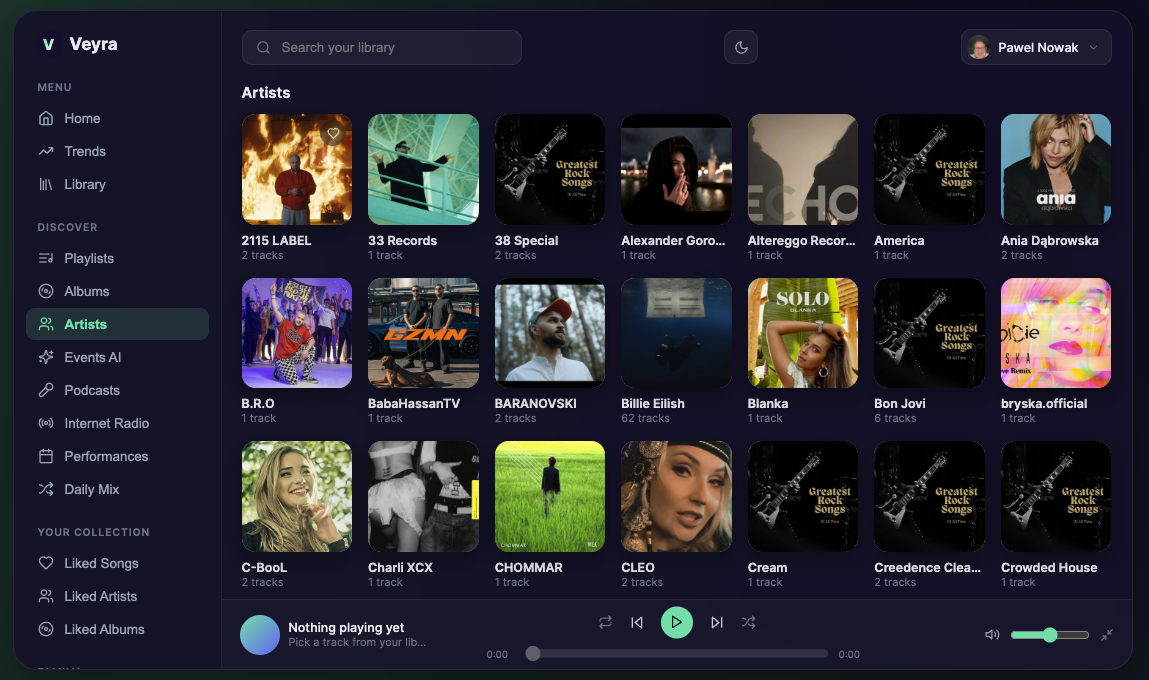
Drop in a few tracks and Veyra builds the album for you, with the artist name and the cover from your files. If a file has no cover, it looks one up. Artists get their own page with their albums and tracks.

Late Bus Home
Sample Artist · Album
  1. Window Seat
  2. Last Stop
  3. Streetlight Hum
Example layout

Six people, one household, one plan.

On a Family plan the owner shows a QR code and everyone scans it to join. Each person keeps a private library and your storage is shared. Liked songs, artists and albums stay personal.

Shared storageUp to 6 accounts
Example layout

It sounds like your files.

An equalizer and crossfade are built in. On VIP plans your FLAC and ALAC files stay in original quality, with no re-encoding. The next track is prepared in advance so playback keeps going over Bluetooth and in the car.

Example layout

Internet radio

Stations from around the world, with your favourites saved to Home.

Podcasts

Search, subscribe and listen from real RSS feeds, next to your music.

Events AI

Describe a party or a dinner and get a playlist built from your own library.

Family Radio

Spoken announcements between songs: the time, the weather and your household routines.

Concerts and live recordings

Follow an artist to see upcoming shows and find live recordings.

Private by design

Files are encrypted in transit and at rest, and are never used to train AI.
Pay for storage, not for features.

Start free. Move up only when you need more room.

PlanPriceStorageGood for
Free£0500 MBTrying Veyra with a few albums. Includes occasional ad breaks.
Individual£3.49 / month20 GBOne person, no ads.
Individual VIP£5.99 / month50 GBOne person who wants original lossless quality.
Family Standard£5.99 / month50 GB sharedUp to 6 people in one household.
Family VIP£9.99 / month100 GB sharedA big household collection, in lossless.

Prices include VAT. Cancel any time. You can always download your files.

Questions, answered.

Which audio formats does Veyra play?

MP3, FLAC, ALAC, WAV, AAC and OGG. Veyra reads the title, artist, album and cover art from your files.

Is there a free plan?

Yes. The Free plan gives you 500 MB with no time limit and no card. It includes occasional ad breaks between songs.

Can I get my music back out?

Yes. Your files stay yours. You can download your library at any time, including after you downgrade or cancel.

Do I need to own the music?

Yes. Veyra is for music you have the right to store and play for yourself, such as purchased downloads, your own recordings and ripped CDs. Sharing is limited to people in your household. The details are in the Terms of Use.

How does family sharing work?

A Family plan covers up to 6 people in one household. Each person has a private library, and the storage is shared. The plan owner shows a QR code in Settings and everyone joins by scanning it.

Will it work in my car?

The web app and the desktop apps work with any Bluetooth system, and your car shows the real song and artist. The iPhone and Android apps add CarPlay and Android Auto.

Where are my files stored?

On Cloudflare's cloud storage, encrypted. Features like cover art and Events AI send track titles and artist names, never the audio, to Google's Gemini. Your files are never used to train AI.

Be first on your phone.

Leave your email and we will message you once, the day the app is in the store.